
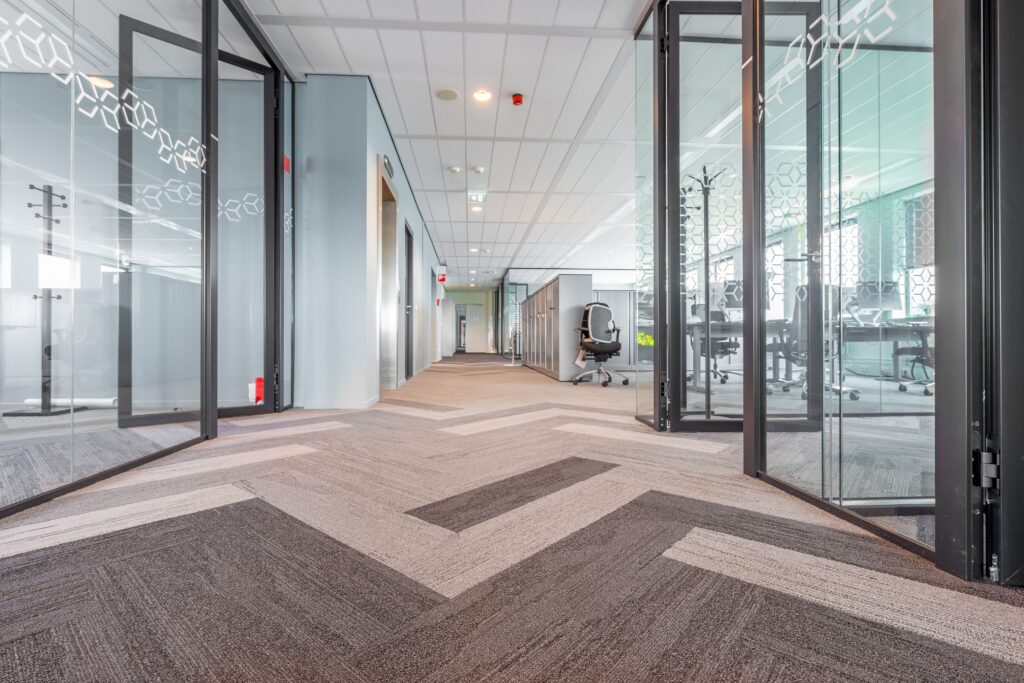
A practical guide to meeting room design, video conferencing requirements and creating spaces that work for everyone.
Creating a Microsoft Teams meeting room might sound simple. Install a screen, add a camera and microphone, connect everything to Teams, and you’re ready to go.
Well, almost.
A successful video conferencing meeting room is about much more than the technology on the wall. It’s about creating a space where people can communicate naturally, collaborate easily and get on with their meetings without worrying about whether everything will work.
Whether you’re planning a new Microsoft Teams Room, upgrading an existing conference room or improving your workplace’s video conferencing facilities, there are a few important things worth considering before choosing any equipment.
And surprisingly, the best place to start isn’t with technology.
1. Start With the People, Not the Equipment
Before looking at cameras, displays or Microsoft Teams Rooms systems, ask yourself one simple question:
How will people actually use this room?
It sounds obvious, but it’s something that can easily be overlooked when planning a meeting room installation and can easily cause projects to spiral out of control and for costs to rise quickly.
A meeting room used for daily team catch-ups has very different requirements from a boardroom hosting important client presentations.
Think about:
- Who uses the room? Is it primarily internal staff, senior management, external customers or a mixture?
- How many people attend? Is it normally two or three, or regularly ten or more?
- What happens during meetings? Are people talking, presenting, reviewing documents or collaborating on ideas?
- Are meetings hybrid? Will some participants regularly join remotely through Microsoft Teams?
- How confident are users with technology? Does the system need to be particularly straightforward for occasional visitors?
- What are the common complaints from users? If people provide regular feedback, what is actually bothering them the most, whether it is tech or not.
Understanding these points will influence almost every aspect of your meeting room design.
For example, a room regularly used for collaborative workshops may benefit from interactive displays and flexible seating, while a boardroom used for formal presentations might prioritise clear audio, professional camera coverage and simple content sharing.
Our advice: Design for how the room is genuinely used, not just what looks impressive in a product brochure.
2. Consider Your Meeting Room Layout
The size of your meeting room is important, but the way people sit and move around it can have an even greater impact on the video conferencing experience.
A long boardroom table, for example, might comfortably seat twelve people. However, that doesn’t automatically mean everyone will be clearly visible or heard during a Teams meeting.
Think about where people will sit in relation to the screen and camera.
Can everybody comfortably see the display? Will remote attendees be able to see people’s faces rather than the backs of their heads? Is there enough space for people to move around without blocking the camera?
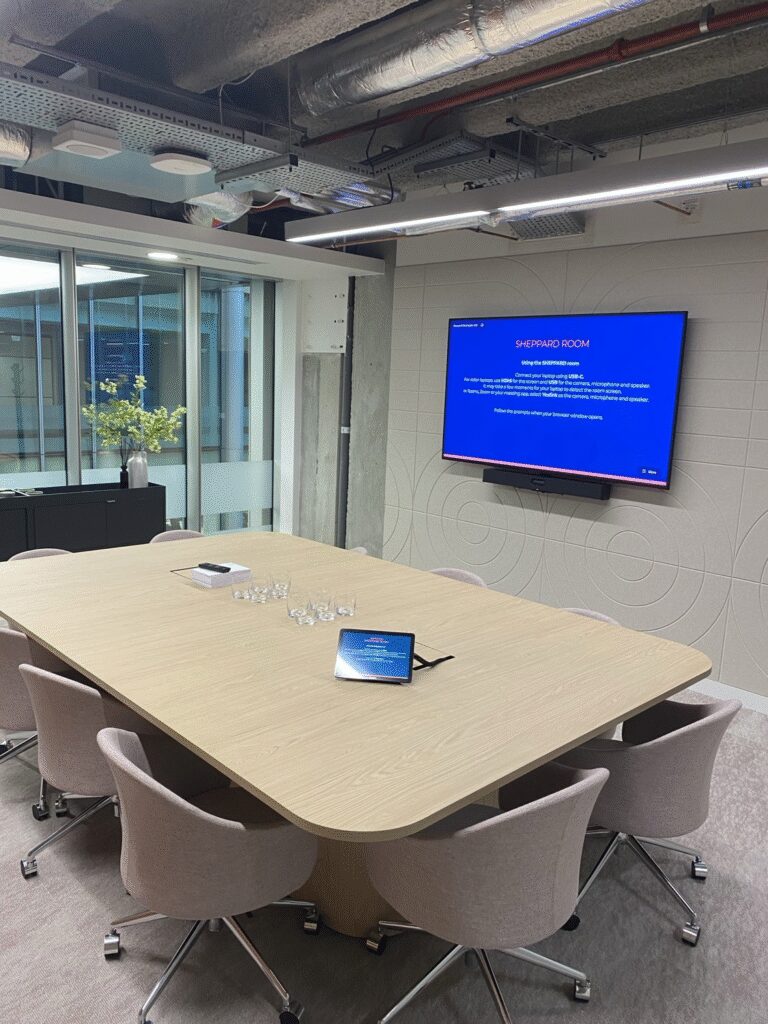
The furniture itself can also make a difference. Traditional rectangular tables aren’t always the best arrangement for hybrid meetings. Curved or tapered tables can sometimes improve camera visibility and help remote attendees feel more involved. And if the furniture needs to move, it means you need to plan how people will then interact with the technology in different set ups.
It’s also worth considering flexibility.
A room used for meetings today might need to accommodate training sessions or collaborative workshops tomorrow.
Our advice: Don’t judge a meeting room by its seating capacity alone. Consider how comfortably everyone can participate, whether they’re in the room or joining remotely.
3. Meeting Room Acoustics: Can Everyone Actually Hear?
If there’s one area of video conferencing room design that’s frequently underestimated, it’s acoustics.
It’s tempting to focus on picture quality and impressive displays, but poor sound can make even the most expensive meeting room frustrating to use.
Imagine sitting in a Teams meeting where every conversation echoes around the room, voices sound distant, or background noise makes it difficult to understand who’s speaking.
Not exactly productive.
What causes poor meeting room acoustics?
Modern offices often feature glass partitions, hard floors, exposed ceilings and minimalist furniture.
They look fantastic, but these hard surfaces can reflect sound around the room, creating reverberation and reducing speech clarity.
Other common issues include:
- Air conditioning or ventilation noise.
- Noise travelling through glass partitions or adjoining spaces.
- Large, open rooms with very few sound-absorbing surfaces.
- Microphones struggling to capture quieter participants.
- Background conversations from nearby offices.
How can you improve meeting room acoustics?
Fortunately, improving sound quality doesn’t always require major building work.
Acoustic wall panels, carpets, curtains, upholstered furniture and suitable ceiling treatments can all help control unwanted sound reflections.
The positioning and type of microphones are also important, but even the best microphones will perform better in a room with well-managed acoustics.
And remember, acoustics aren’t just about helping remote participants hear you. They’re also about making conversations comfortable for everybody sitting in the room.
Our advice: Consider acoustics during the early stages of meeting room planning. Treating sound problems after the equipment has been installed can be more difficult and expensive. And if you can’t retrofit treatment, consider the type and placement of your microphones.
4. Lighting Makes a Bigger Difference Than You Think
You’ve probably joined a video call where somebody is sitting in front of a bright window, leaving their face completely in shadow.
The same problem can happen in meeting rooms.
A high-quality camera can only work with the light available to it, so the lighting and positioning of your room can make a significant difference to how professional your meetings look. By positioning a camera directly at a sun-trap window is a sure-fire way to cause your images to be washed out and users to be hidden from view.
Ideally, meeting participants should be evenly lit without harsh shadows or bright lights shining directly into the camera.
Natural light is great, but large windows may require blinds to control brightness throughout the day.
Also consider reflections on screens and glass walls, particularly where sunlight changes position during working hours.
Our advice: A well-lit room with a sensible camera position will often deliver a better experience than simply investing in a more expensive camera.
5. Choosing the Right Microsoft Teams Room Technology
Once you understand the people, the space and how the room will be used, it’s time to consider the technology.
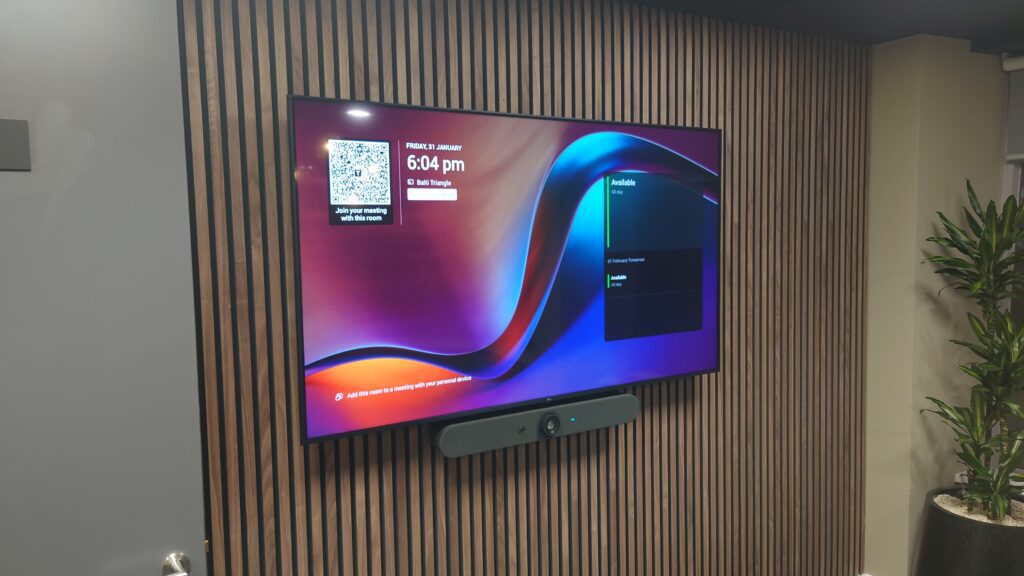
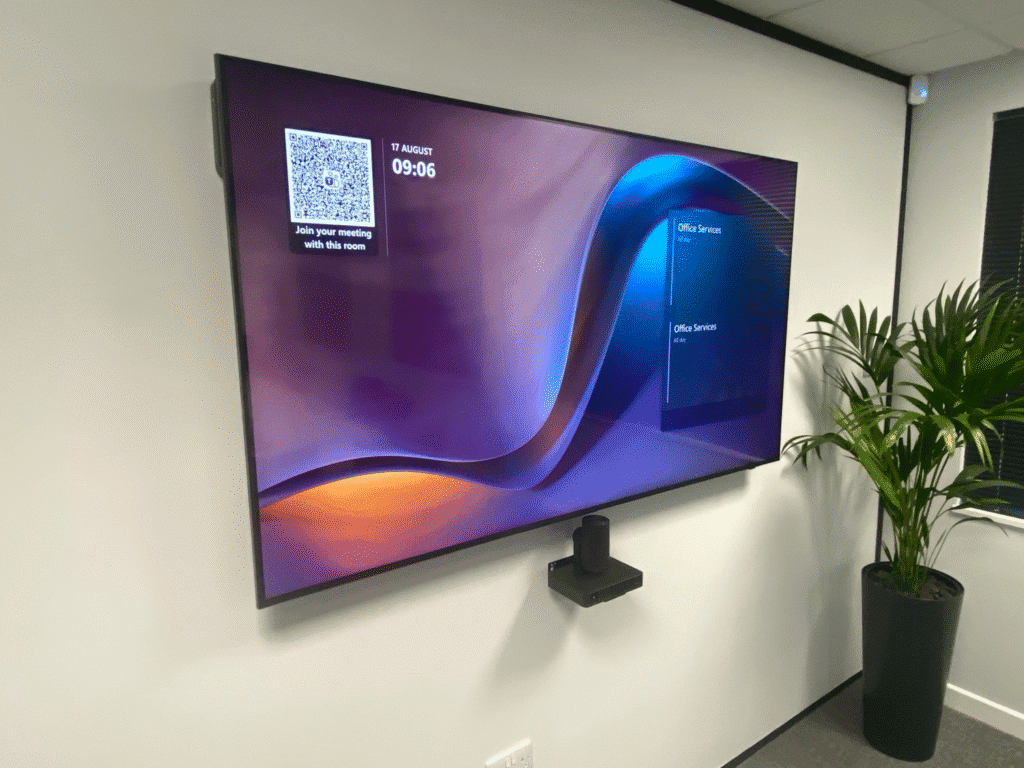
Microsoft Teams Rooms are designed to bring video conferencing, audio and content sharing together into a straightforward meeting experience.
Depending on the room’s requirements, this could include a display, camera, microphones, speakers and a touch controller for joining and managing meetings.
But not every meeting room needs the same solution.
Small meeting rooms and huddle spaces
For smaller spaces, an all-in-one video conferencing bar can often provide everything needed, including a camera, microphones and speakers.
These systems can offer a neat, straightforward solution without filling the room with equipment.
Medium-sized meeting rooms
As rooms get larger, you will need to consider microphone coverage, camera positioning and display visibility a bit more. People sitting further away from the screen still need to see clearly, while those joining remotely need to hear everyone around the table.
Large conference rooms and boardrooms
Larger spaces may require more advanced audio systems, additional microphones or intelligent cameras capable of focusing on different participants. The objective isn’t necessarily to install more technology, nor more expensive technology. It’s to make sure the technology works consistently for everyone, wherever they’re sitting. When choosing a Microsoft Teams Room system, it’s also worth considering certified hardware, the appropriate Microsoft Teams Rooms licensing, network connectivity and how the equipment will be supported.
Our advice: Choose technology that fits the room rather than trying to make the room fit the technology.
6. Make Your Teams Meeting Room Easy to Use
Here’s something we believe strongly at MPAV Limited:
The best technology is the technology people don’t have to think about.
If somebody walks into a meeting room and needs fifteen minutes to work out how to start a call, something isn’t quite right. A well-designed Microsoft Teams Room should make everyday tasks feel natural.
Joining scheduled meetings, adjusting volume, sharing a presentation and ending a call should all be straightforward and the devices should be easy to manage should a problem arise. For many businesses, a dedicated, functioning Teams Rooms system with a simple touch controller can make a significant difference to the user experience. It’s no good if the system constantly breaks or users can’t figure it out!
Consistency is also important.
If your business has several meeting rooms, keeping their controls and operation familiar can reduce confusion and help people feel confident moving between spaces. After all, nobody wants to start an important client meeting with the words, “Can somebody from IT come and help?”
Our advice: Simplicity is a feature, not a compromise.
7. Don’t Forget About Remote Participants
Hybrid meetings have changed what we should expect from a meeting room. Previously, the focus was often on making sure everyone sitting around the table could see a presentation. Today, we also need to consider the experience of people joining from elsewhere.
Can remote participants see everyone clearly? Can they hear quieter conversations? Are they able to follow presentations and contribute naturally?
Poor camera angles, inadequate microphone coverage and badly positioned displays can unintentionally leave remote participants feeling excluded. A thoughtfully designed video conferencing room helps create a more balanced experience, where everybody has the opportunity to participate.
Our advice: When reviewing a meeting room design, imagine you’re the person joining remotely. What would their experience be like?
8. Think About Reliability, Support and Future Requirements
A meeting room isn’t finished simply because the equipment has been installed. It’s worth considering what happens six months, a year or even three years down the line.
Who will support the system if something stops working? How will software updates be managed? Can the room adapt if the business grows or its meeting requirements change? A little forward planning can make meeting room technology easier to maintain and reduce disruption.
You should also consider whether your wider workplace might benefit from a consistent approach to meeting room systems. Standardising technology across multiple spaces can make training, troubleshooting and ongoing support considerably easier.
Our advice: A dependable meeting room should be designed for everyday use, not just the day it’s handed over.
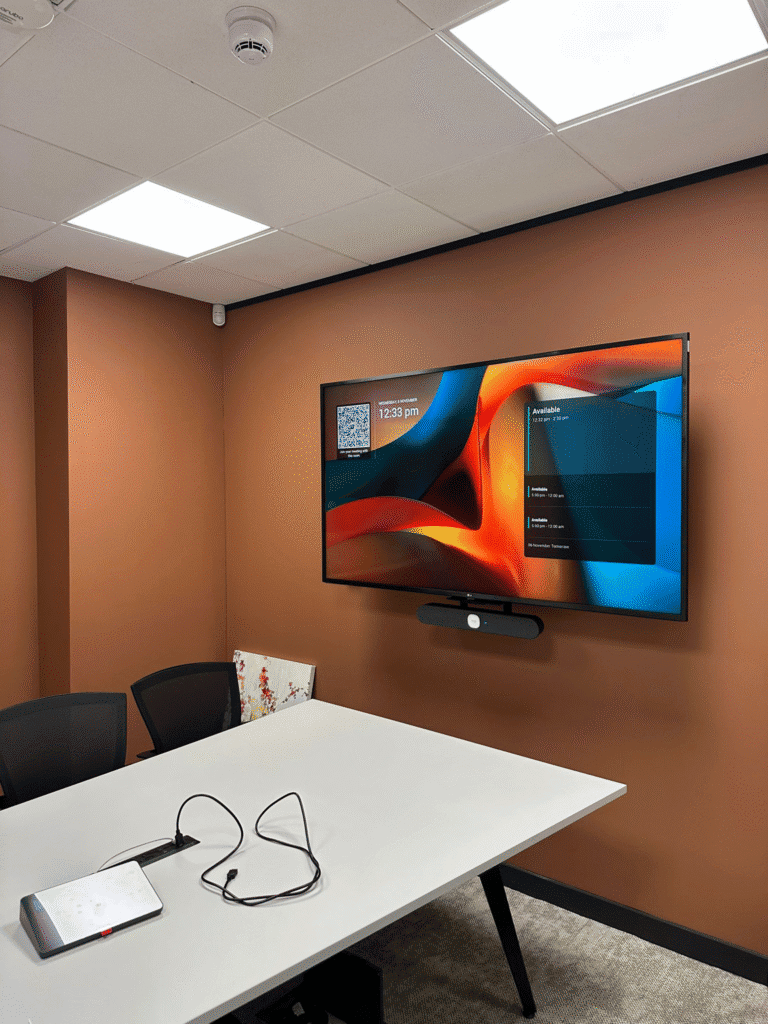
Creating a Meeting Room That Just Works
Designing a successful Microsoft Teams meeting room doesn’t begin with choosing the biggest display or the latest camera.
It begins with understanding the people who will use it. By considering room layout, acoustics, lighting, hybrid meeting requirements and ease of use, you can create a space that genuinely supports the way your business works. The technology should complement the room, not dictate how people use it.
And when everything has been considered properly, the result is simple: people walk into the room, start their meeting and get on with what matters.
Need Help Planning Your Microsoft Teams Meeting Room?
At MPAV Limited, we design, install and support Microsoft Teams Rooms and video conferencing systems for businesses across the UK.
We take the time to understand how your team works, how your meeting spaces are used and what you actually need before recommending a solution from our portfolio of vendors, not simply what we have on the shelf.
Whether you’re creating a new meeting room, upgrading an existing boardroom or planning technology for an entire estate, we’re here to help make it simple.
Let’s talk about creating a meeting room that works for your business.
MPAV — Dependable by Design.